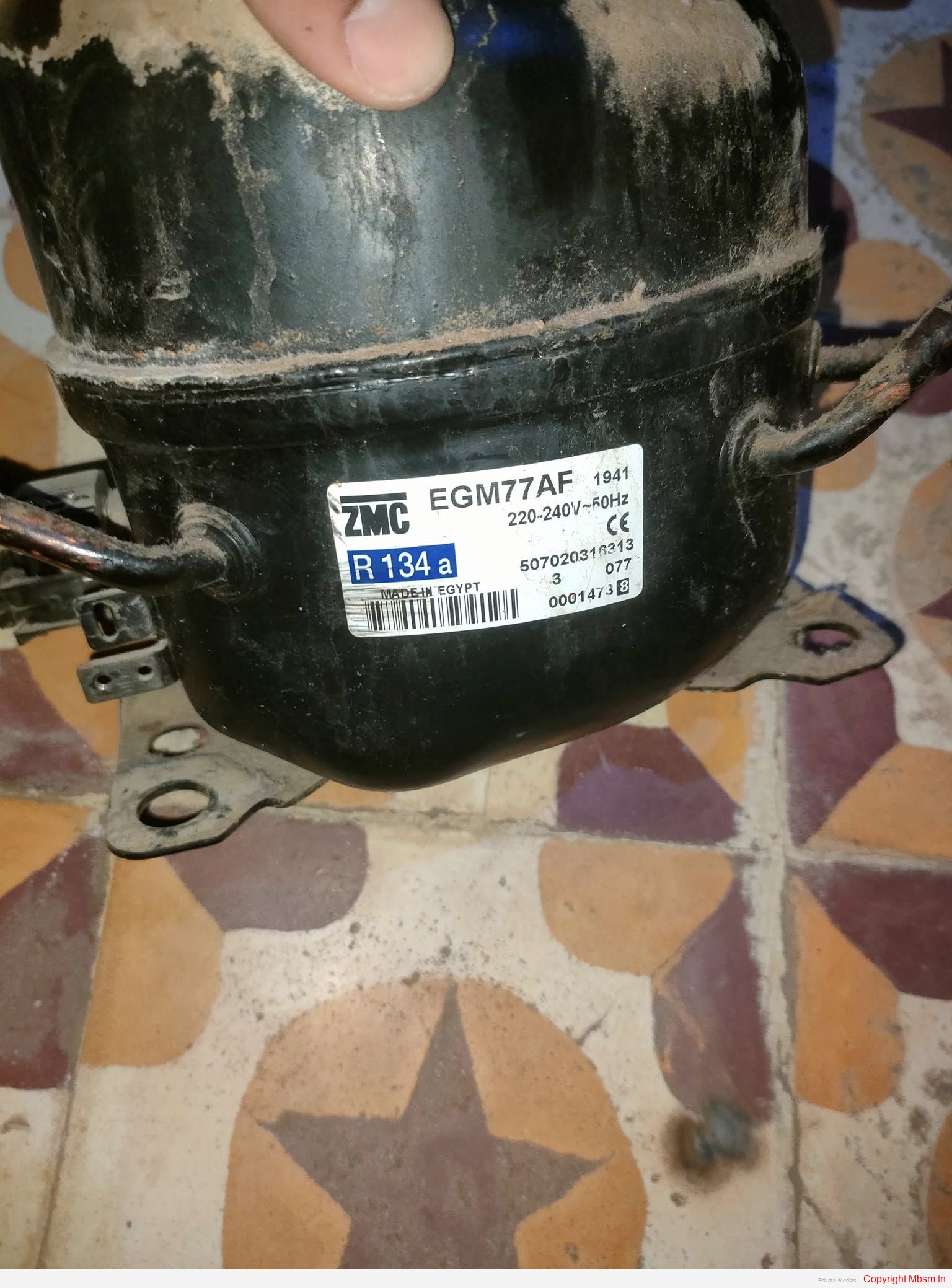
File Pdf : Compressor-GM35AF-GM55AF-GM70AF-GM66AF-GM75AF-GM77AF-GM80AF-GM91AF-GM80AF
Category: FIles
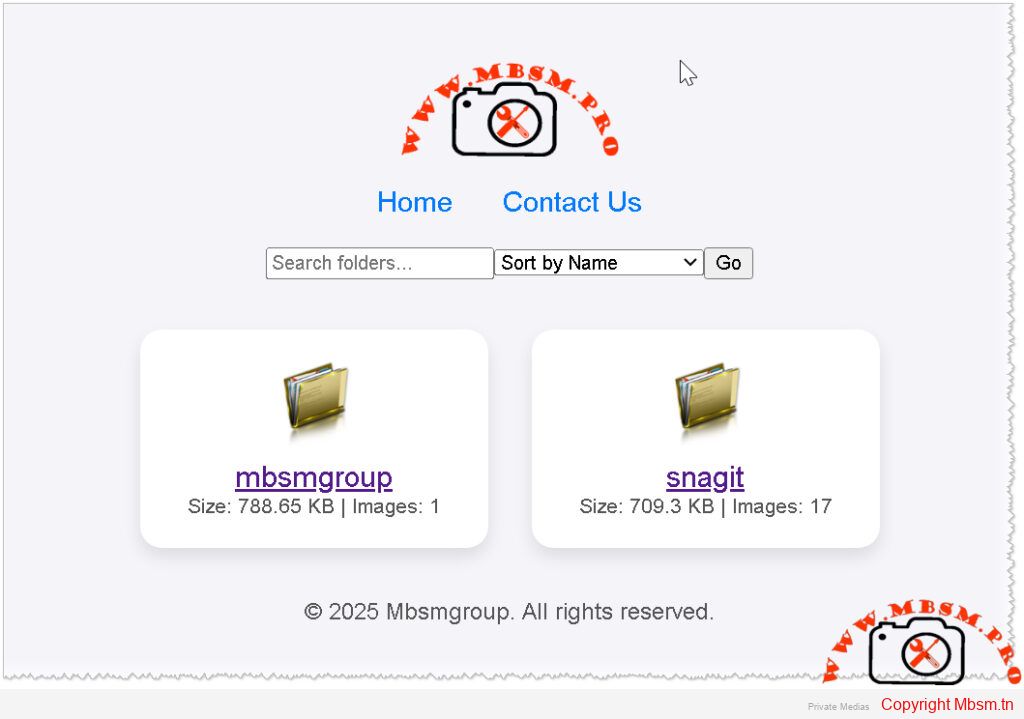
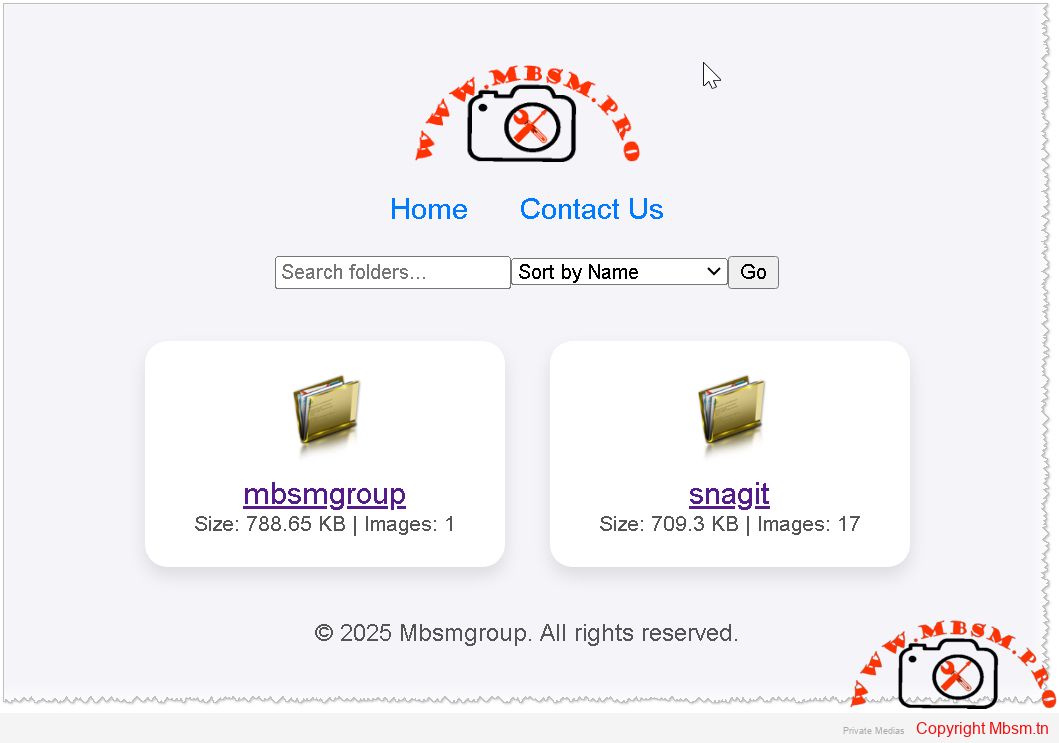
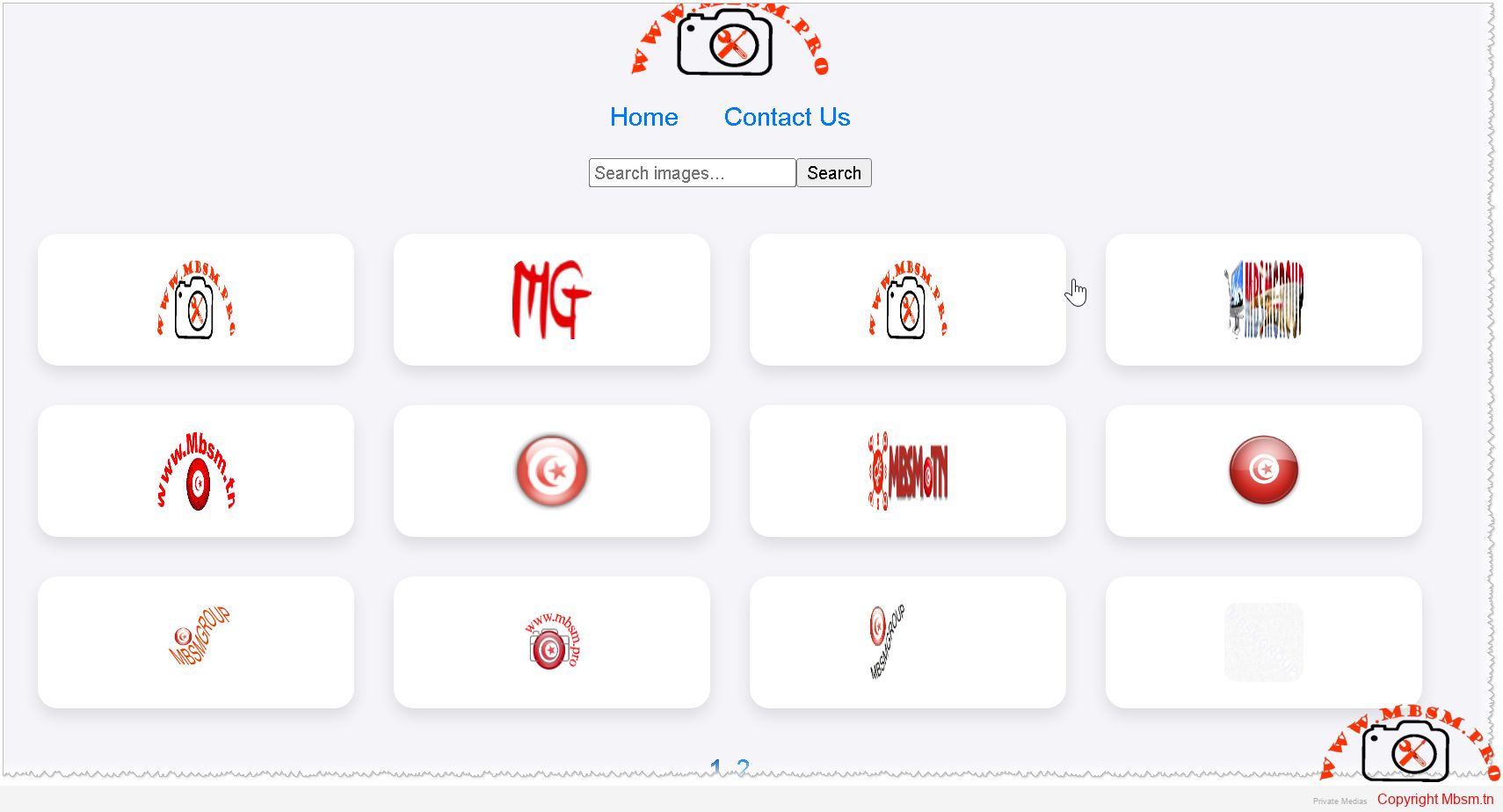
In the digital age, having an efficient and user-friendly photo gallery is essential for showcasing images, whether for personal use or professional portfolios. Mbsmgroup has developed a simple yet powerful photo gallery script in PHP that requires no database, making it easy to set up and maintain. This article explores the features and benefits of this script and how it can be integrated into your website.
No Database Required:
Easy Integration:
Dynamic Image Display:
Folder Viewing:
Search and Pagination:
Image Details:
Caching for Performance:
Responsive Design:
Cost-Effective:
User-Friendly:
Customizable:
Secure:
Download the Script:
Upload to Your Server:
Configure Settings:
Launch Your Gallery:
Mbsmgroup’s photo gallery script offers a simple and efficient solution for managing and displaying images online. With no database requirements and a host of user-friendly features, it is an ideal choice for anyone looking to enhance their website with a dynamic photo gallery. Try it out today and experience the difference for yourself.
For more information and to download the script, visit mbsm.tn.
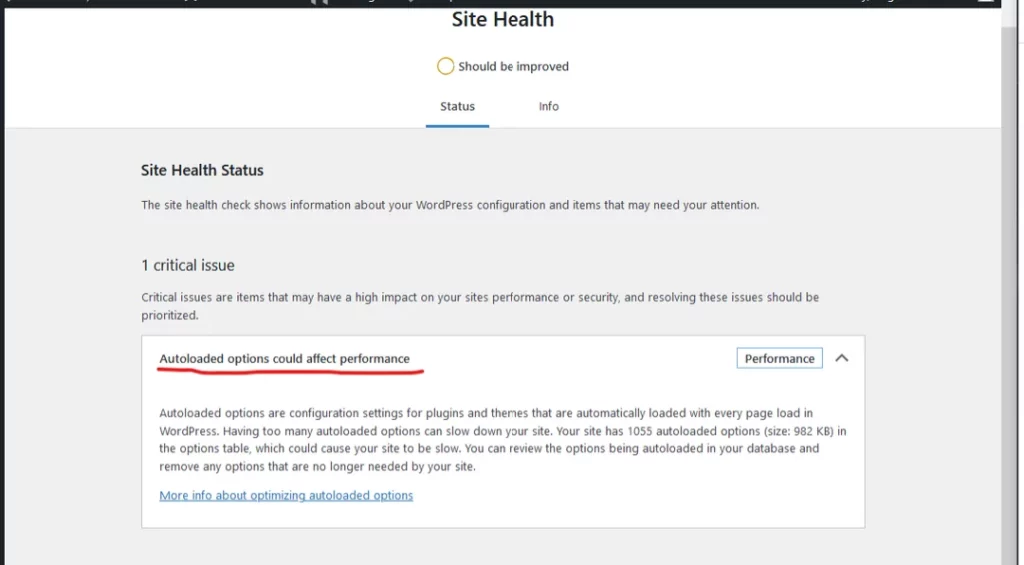
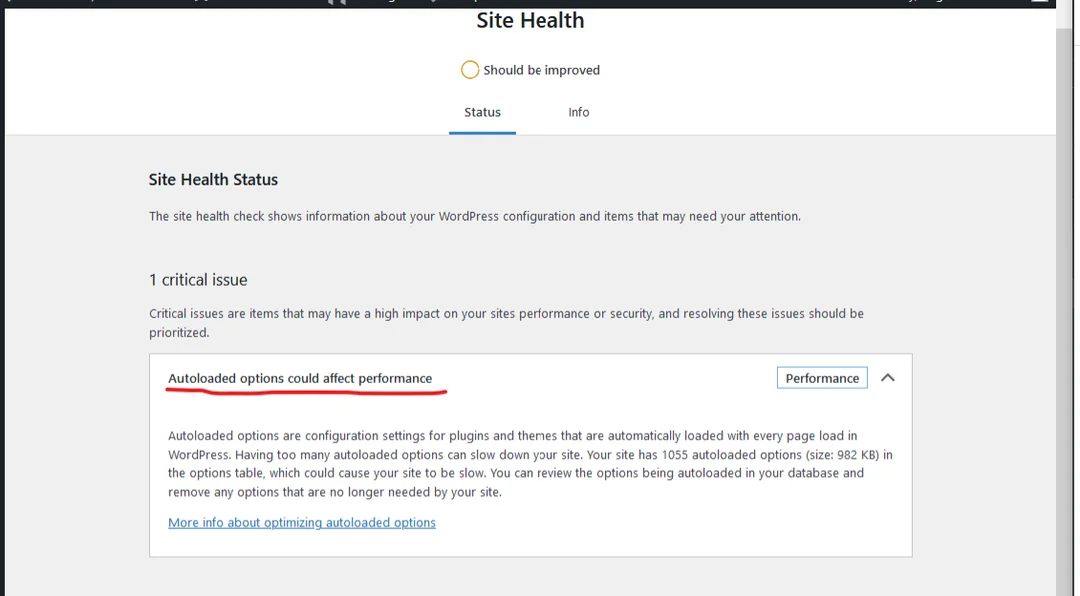
In the ever-evolving digital landscape, website performance remains a critical factor in user engagement and search engine rankings. As we move into 2025, managing autoloaded options in WordPress has become increasingly important to ensure optimal performance. Mbsm.tn, a leading provider of WordPress solutions, has developed innovative plugins to address this issue effectively.
Autoloaded options in WordPress are settings stored in the database that are loaded on every page request. While this feature is convenient for accessing frequently used data, it can also lead to performance issues if not managed properly. Over time, the accumulation of autoloaded options can slow down your website, affecting user experience and SEO.
Increased Load Times: Excessive autoloaded options can increase the time it takes for your website to load, leading to higher bounce rates.
Database Bloat: Unnecessary options clutter the database, making it less efficient and harder to maintain.
Resource Consumption: Autoloaded options consume server resources, which can be particularly problematic for high-traffic websites.
Mbsm.tn has developed a suite of WordPress plugins designed to optimize autoloaded options and enhance overall website performance. Here’s how these plugins can help:
Autoloaded Options Manager: This plugin provides a user-friendly interface to view and manage autoloaded options. It allows administrators to identify and safely delete non-critical options, reducing database bloat and improving load times.
Performance Monitor: Integrated with the Autoloaded Options Manager, this plugin continuously monitors website performance and provides insights into how autoloaded options are affecting load times. It offers actionable recommendations to optimize performance further.
Automatic Optimization: For users who prefer a hands-off approach, Mbsm.tn’s plugins offer automatic optimization features. These features intelligently identify and remove unnecessary autoloaded options, ensuring your website remains fast and responsive.
To resolve performance issues related to autoloaded options, follow these steps:
Install the Plugins: Download and install Mbsm.tn’s Autoloaded Options Manager and Performance Monitor plugins from the WordPress plugin repository.
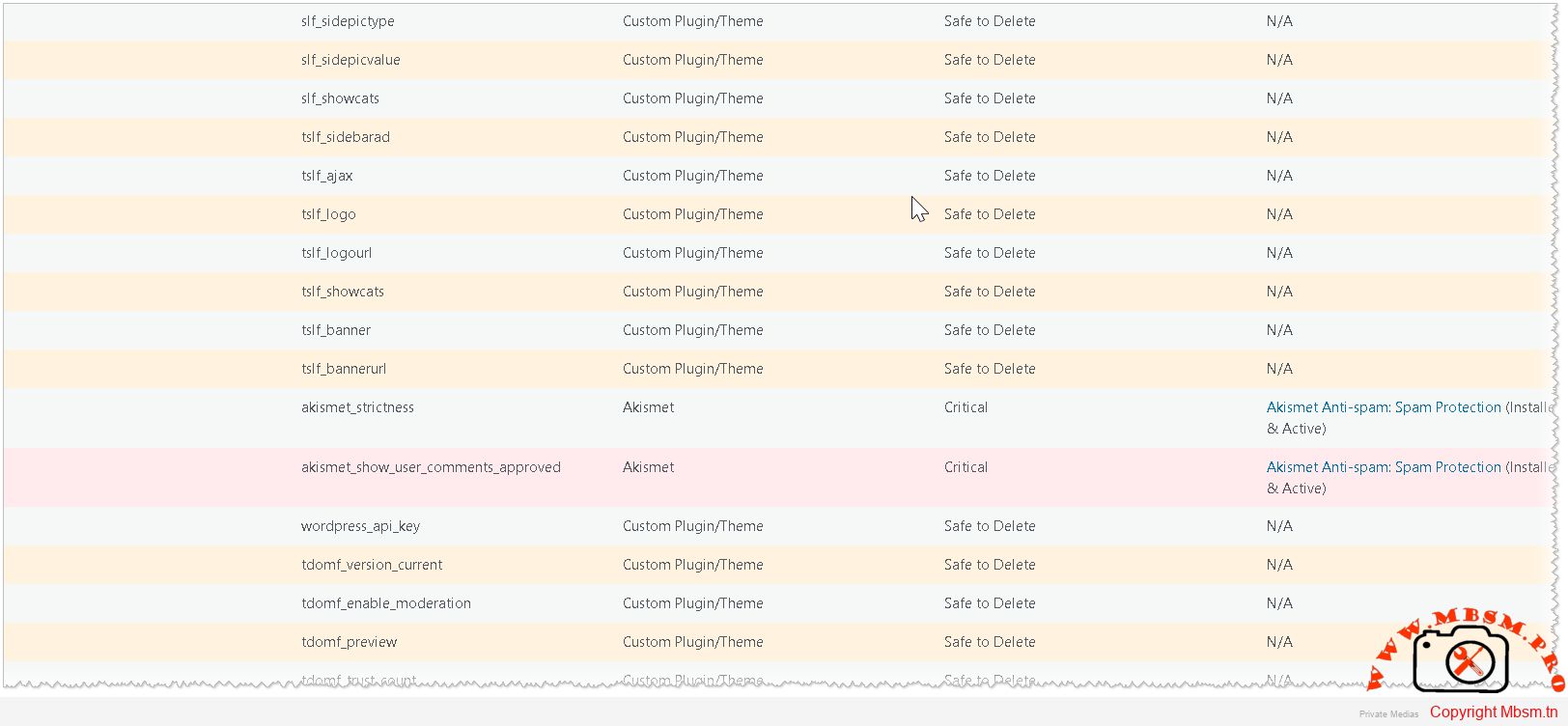
Analyze Autoloaded Options: Use the Autoloaded Options Manager to review the options currently being autoloaded. The plugin highlights critical options that should not be deleted, ensuring the safety of your website.
Optimize and Monitor: Delete non-critical options and use the Performance Monitor to track the impact on your website’s load times. Continuously monitor and optimize as needed.
In 2025, managing autoloaded options is crucial for maintaining a high-performing WordPress website. Mbsm.tn’s innovative plugins provide a comprehensive solution to optimize autoloaded options, ensuring your website remains fast, efficient, and user-friendly. By implementing these tools, you can significantly improve your website’s performance and provide a better experience for your visitors.
Embrace the future of WordPress optimization with Mbsm.tn and take your website to new heights in 2025!
Download
Mbsm-tn-private-media_option-manager
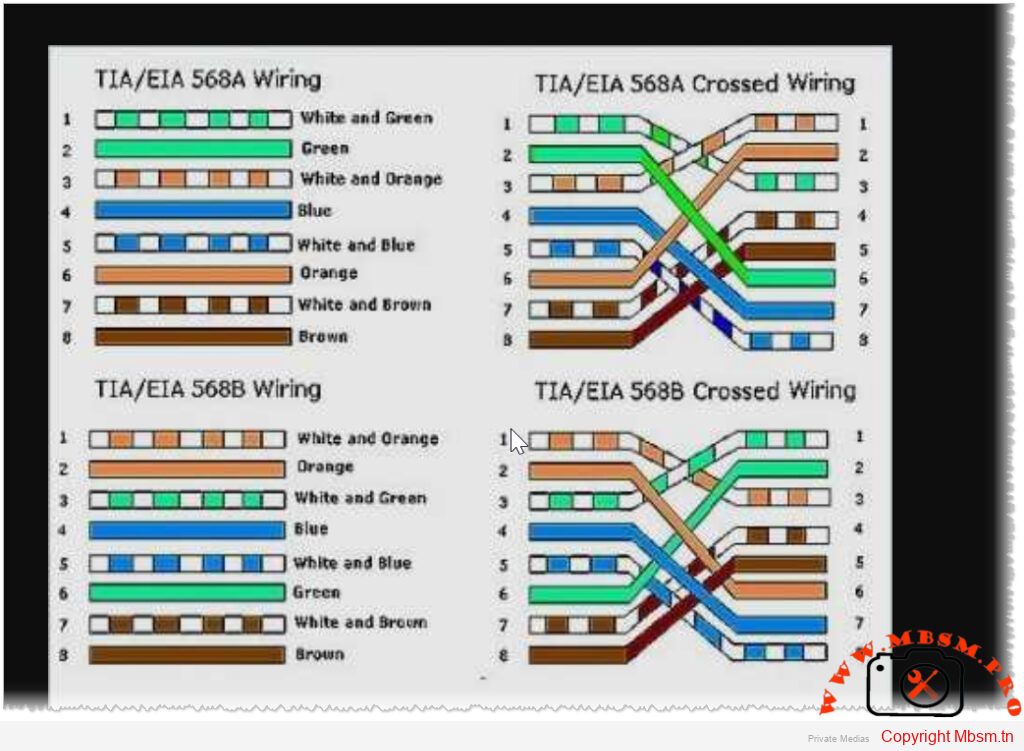
The T568A and T568B standards refer to two wiring schemes used for terminating twisted-pair Ethernet cables, specifically Category 5e, 6, and higher types of network cables. These standards define the pin assignments for the eight conductors in a typical RJ-45 connector, which is commonly used for Ethernet connections.
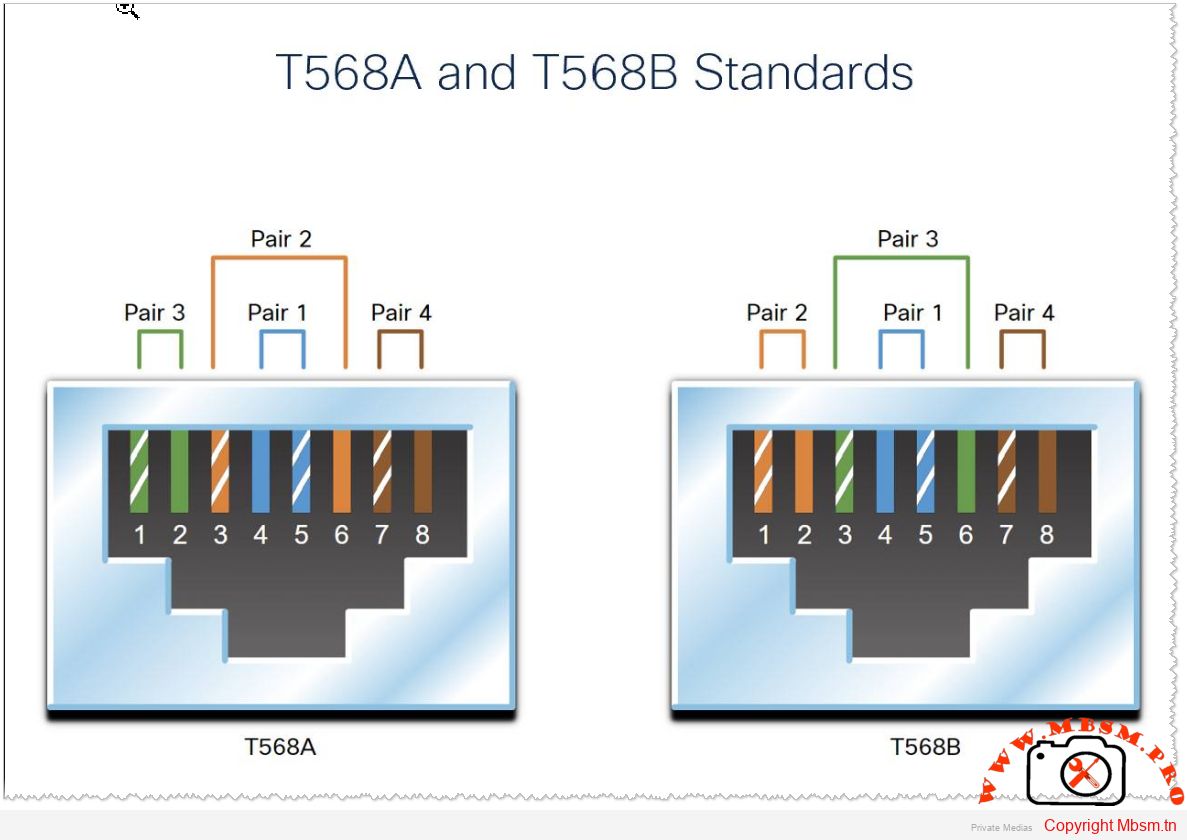
The T568A standard was introduced earlier and is sometimes preferred in government or older installations. Here’s the pinout:
The T568B standard is more widely used today, especially in commercial and residential settings. Here’s the pinout:
Consistency : It doesn’t matter which standard you use as long as you are consistent across your entire network. Mixing T568A and T568B within the same installation can cause connectivity issues unless a crossover cable is intentionally created.
Crossover Cables : A crossover cable swaps the transmit and receive pairs at each end. This is typically achieved by using one end with T568A and the other with T568B. Modern Ethernet switches and devices often auto-negotiate this, so crossover cables are less common now.
Straight-Through Cables : Most Ethernet cables are straight-through, meaning both ends follow the same wiring standard (either T568A or T568B).
Industry Preference : T568B is more prevalent in modern installations due to its alignment with telephone wiring conventions.
By adhering to these standards, you ensure reliable and consistent network performance. Always verify the wiring scheme during installation to avoid potential errors

1- find php.ini in folder wam64
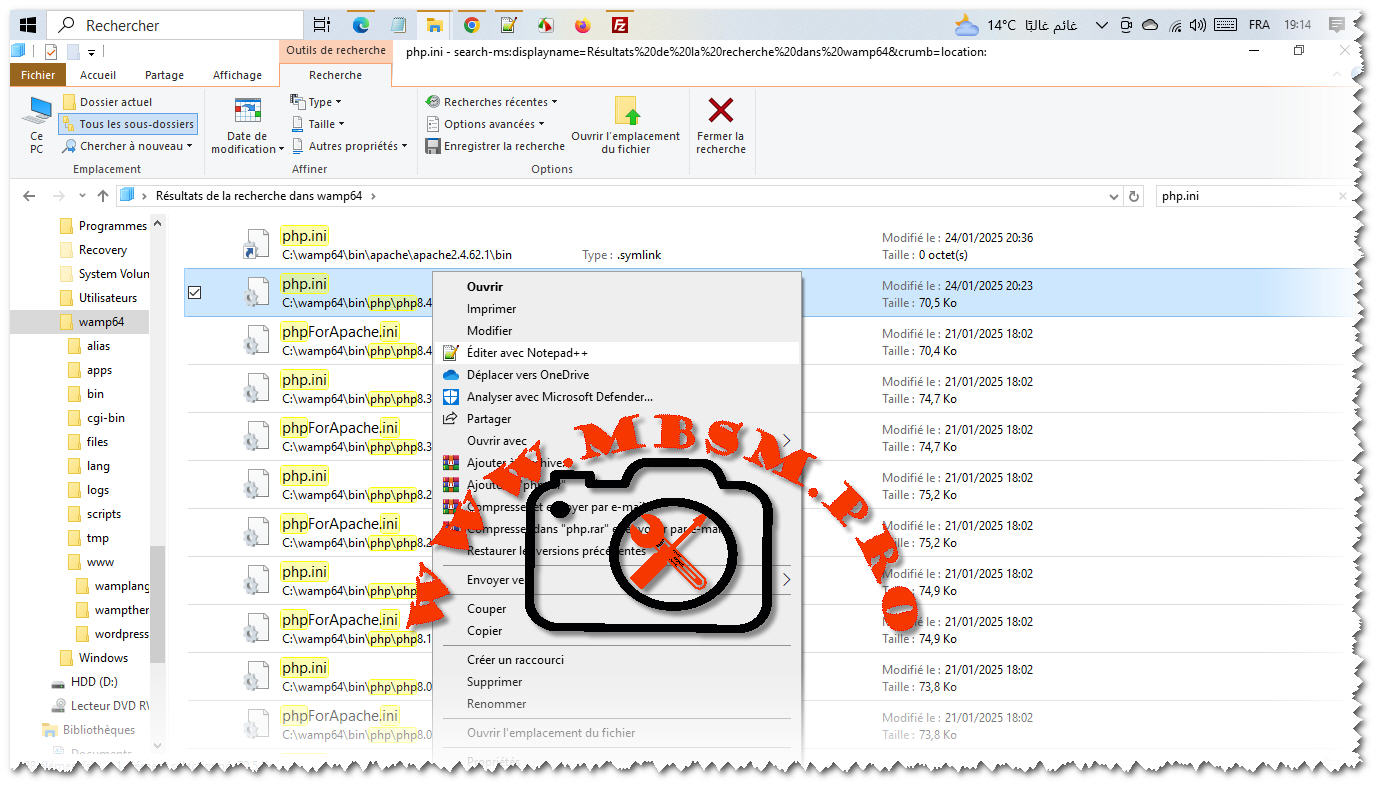
2-replace in php.ini all “Localhost” by “127.0.0.1” and save
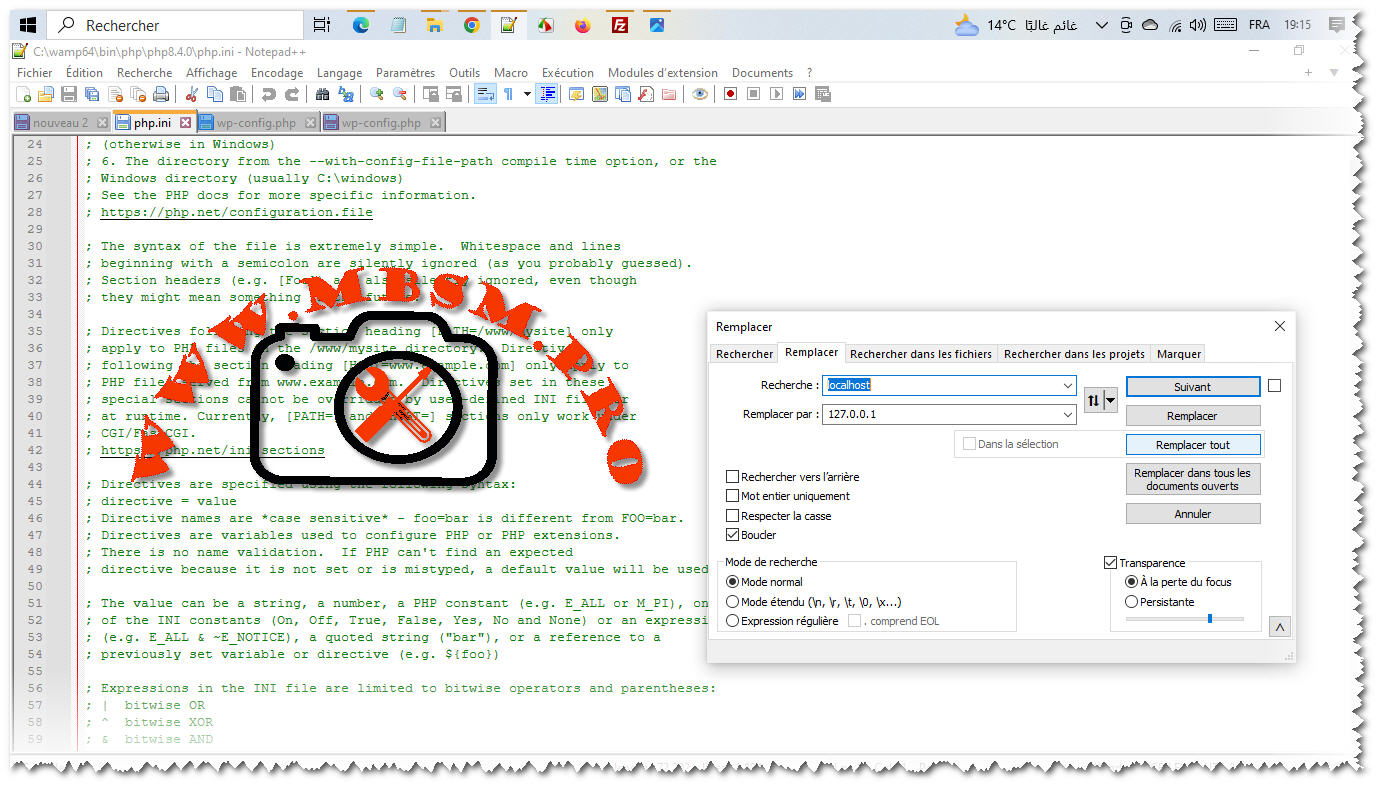
3- open File wp-config.php and replace in php.ini all “Localhost” by “127.0.0.1” and save
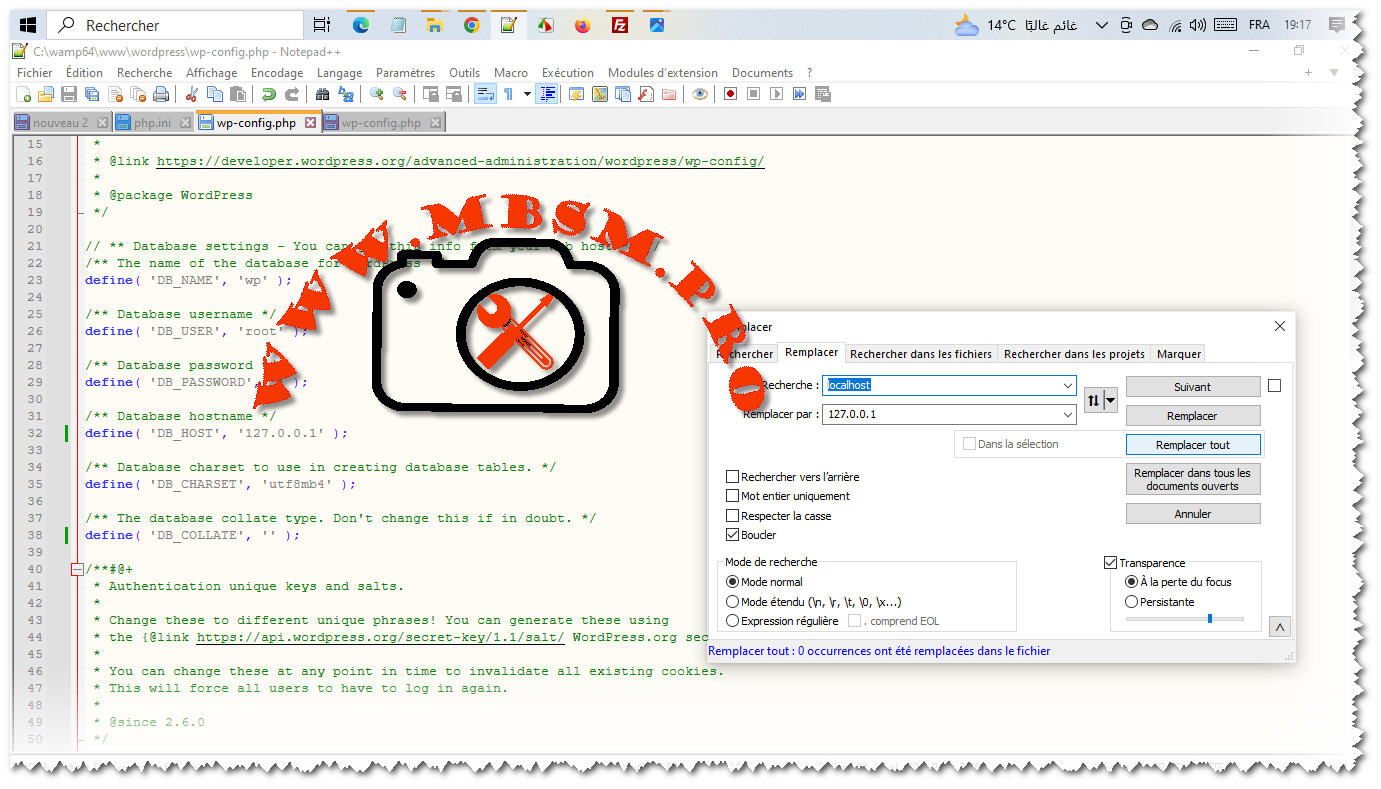
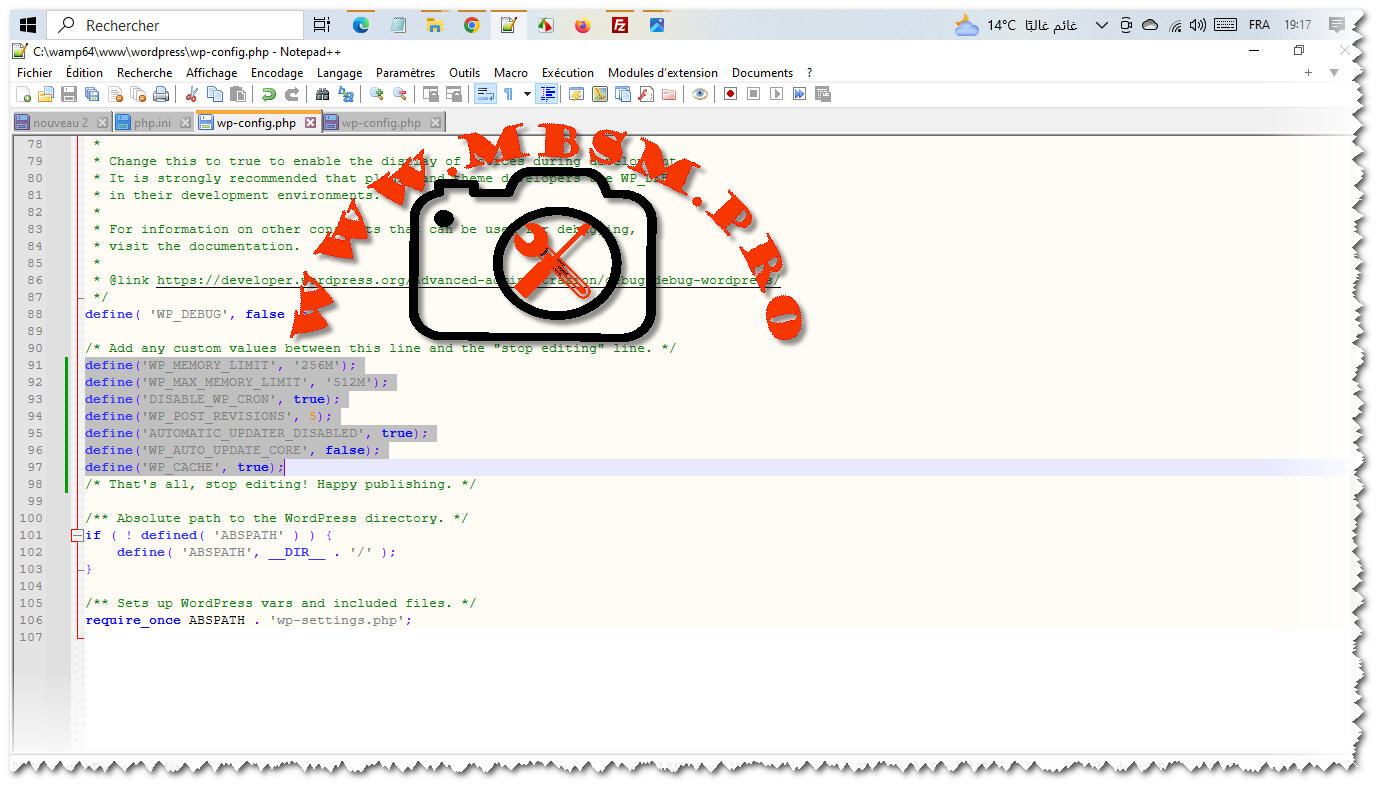
4- open wp-config.php and add this lignes and save
define( 'WP_POST_REVISIONS', '5' );
define('WP_MEMORY_LIMIT', '256M');
define('WP_MAX_MEMORY_LIMIT', '512M');
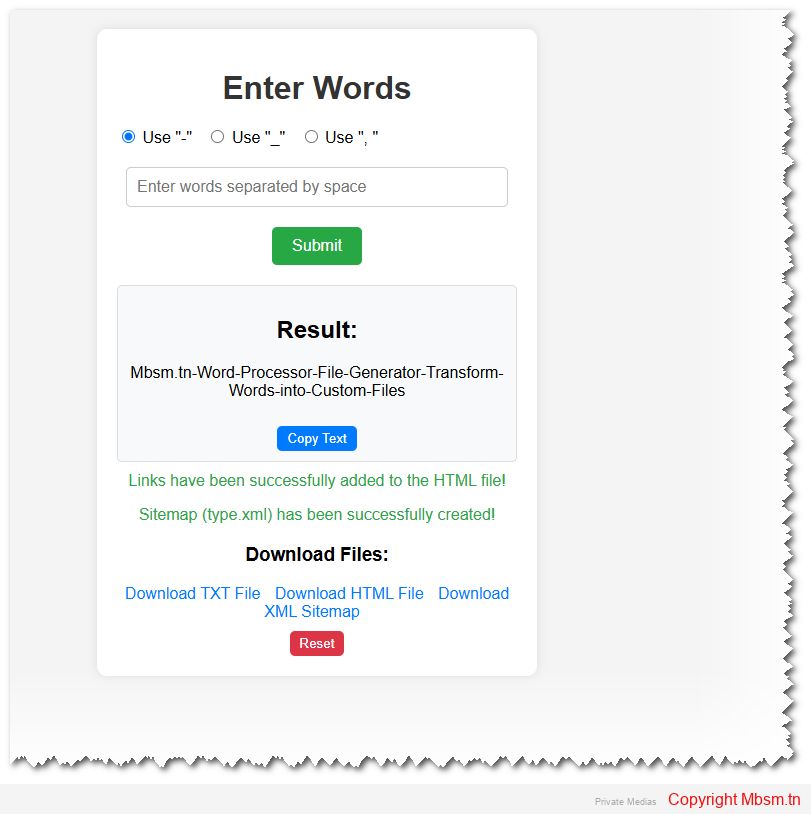
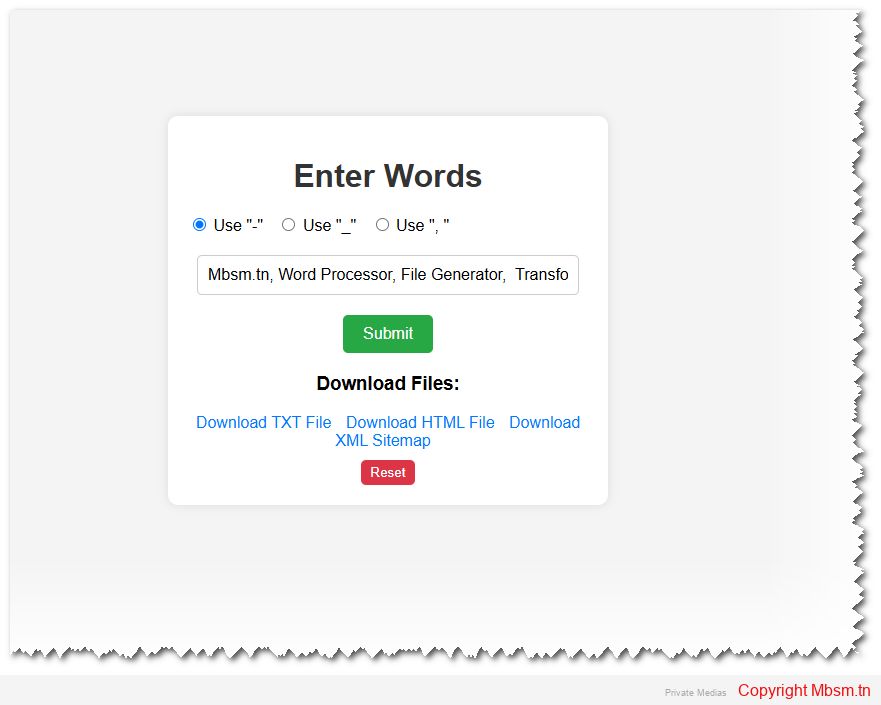
This HTML and PHP code creates a web application that allows users to input words, process them based on a selected separator, and generate downloadable files (type.txt, type.htm, and type.xml). Below is a breakdown of the functionality and structure of the code:
-, _, or , ) to process the input.type.txt: Saves the processed words in a text file.type.htm: Generates HTML links for each word and appends them to an HTML file.type.xml: Creates an XML sitemap from the links in type.htm.type.txt, type.htm, and type.xml).POST method.type.txt.type.htm.type.xml) is created from the links in type.htm.hello world example-hello-world-exampletype.txt: Contains hello-world-example.type.htm: Contains links like:htmlCopy<a href="https://www.mbsm.tn/?s=hello" target="_blank">https://www.mbsm.tn/?s=hello</a><br> <a href="https://www.mbsm.tn/?s=world" target="_blank">https://www.mbsm.tn/?s=world</a><br> <a href="https://www.mbsm.tn/?s=example" target="_blank">https://www.mbsm.tn/?s=example</a><br>Run HTMLtype.xml: Contains a sitemap with the links.type.txt, type.htm, and type.xml.This application is a simple yet effective tool for processing words and generating files for further use. It can be extended or customized based on specific requirements.
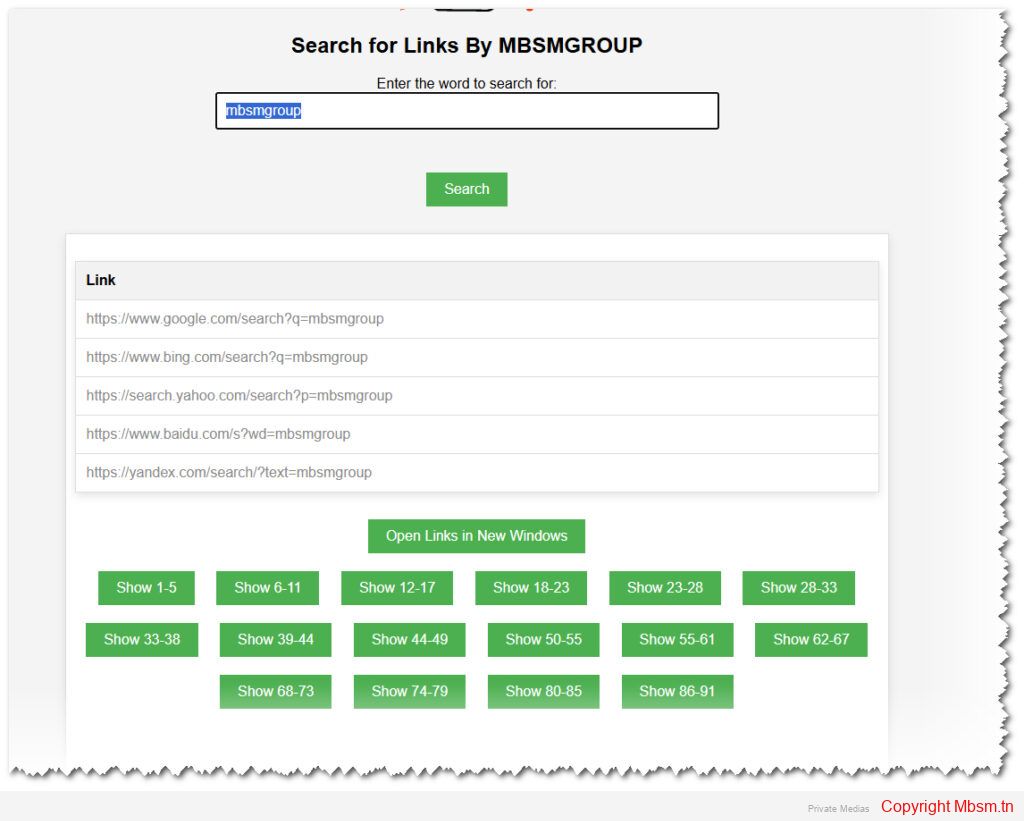
Search for Word in Many Links By MBSMGROUP
Introduction
In the realm of web development, PHP (Hypertext Preprocessor) has stood the test of time as a reliable and robust scripting language. It’s particularly known for its ease of integration with HTML and its ability to handle server-side operations efficiently. In this article, we delve into a practical example of PHP with a custom script by MBSMGROUP to illustrate its utility in web applications.
A Practical PHP Script
Consider a scenario where you need to search through a file of links, replace specific keywords, and display the modified links dynamically on a web page. This can be achieved with a well-structured PHP script combined with HTML and JavaScript.
The Script Breakdown
lien.txt) exists. If the file is missing, an error message is displayed.mbsm.pro.mbsm.pro with the user-provided input and stores the modified links.User Interface Enhancements
The script also focuses on providing a visually appealing user interface:
Conclusion
This practical example showcases the power of PHP in handling server-side logic, validating user input, and dynamically updating web pages. By combining PHP with HTML and JavaScript, developers can create interactive and user-friendly web applications. Whether you’re a seasoned developer or just starting, PHP’s versatility and ease of use make it an invaluable tool in your web development arsenal.
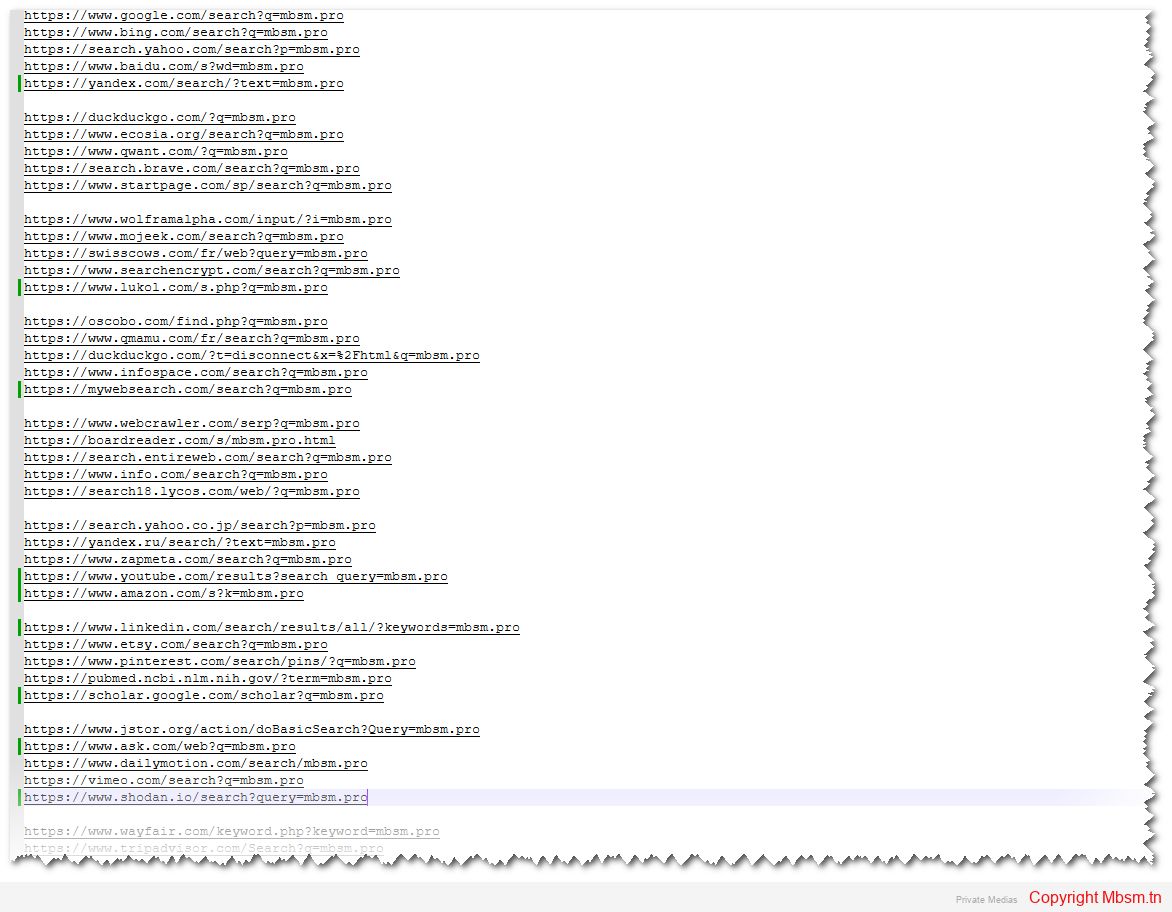
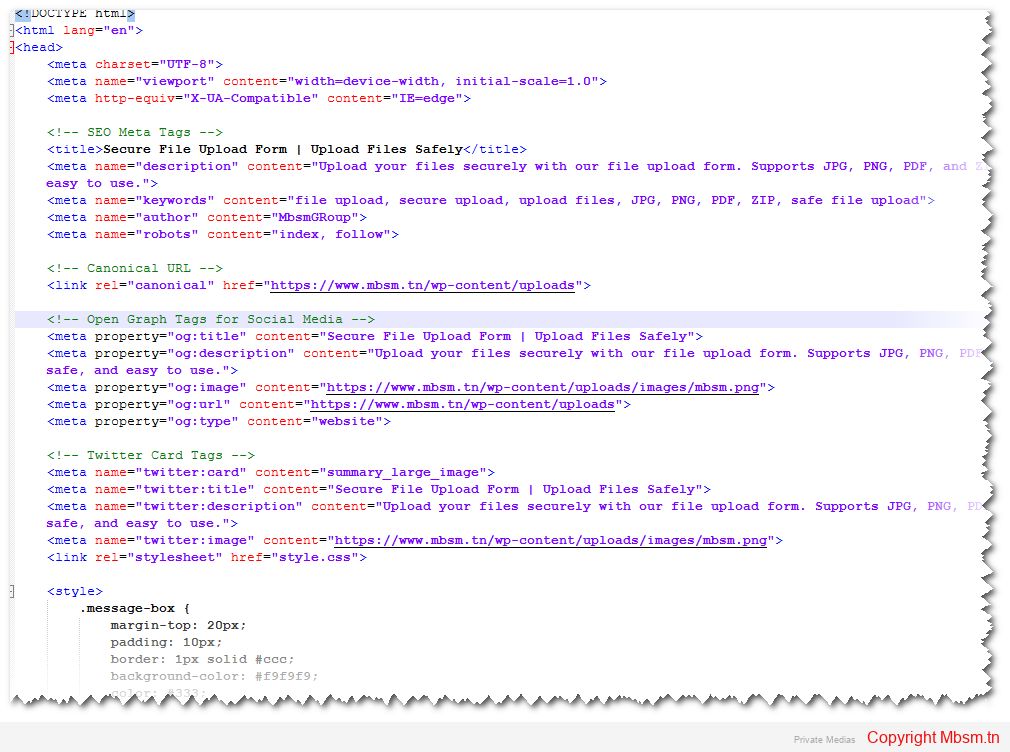
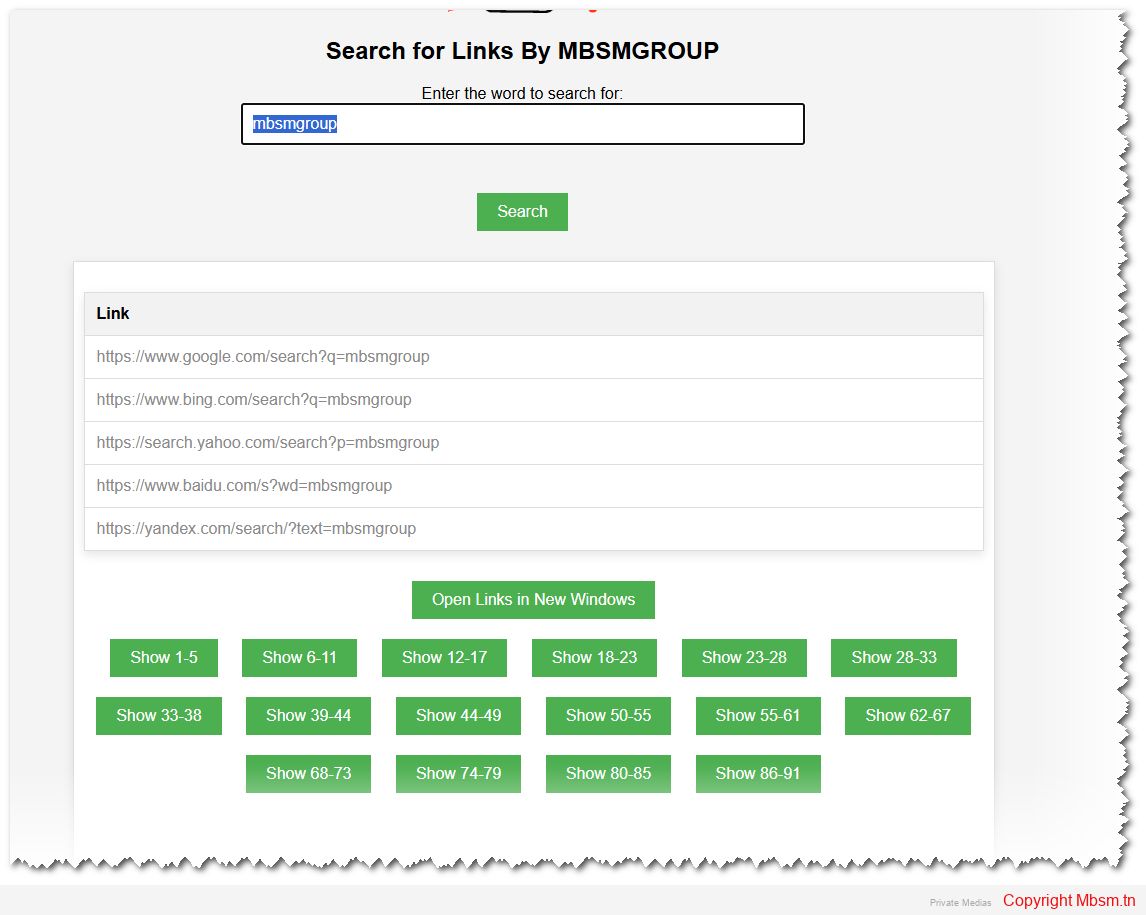
https://mbsm.tn/wp-content/uploads/uploads/Mbsm-tn-media-_Search-for-Links-By-MBSMGROUP.zip
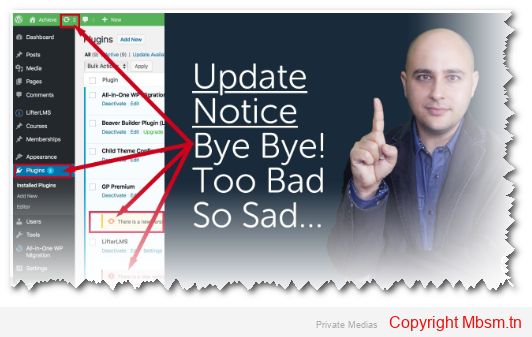
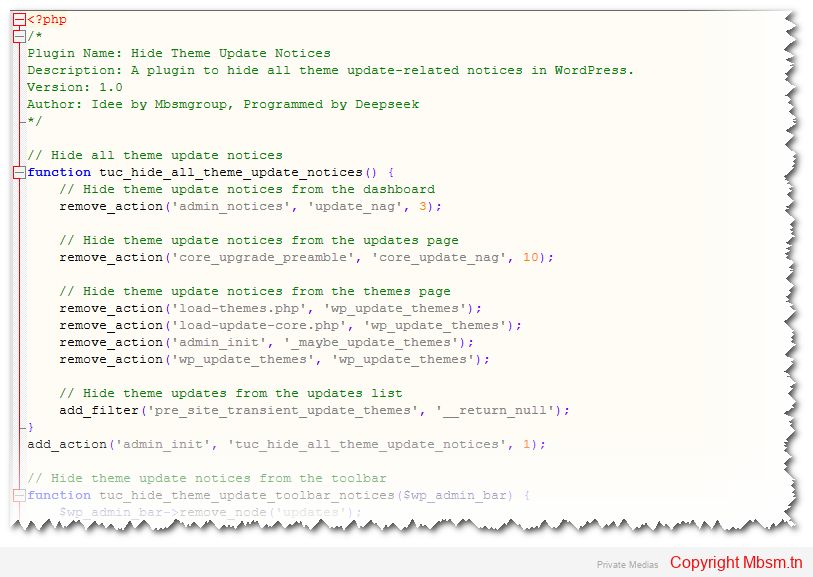
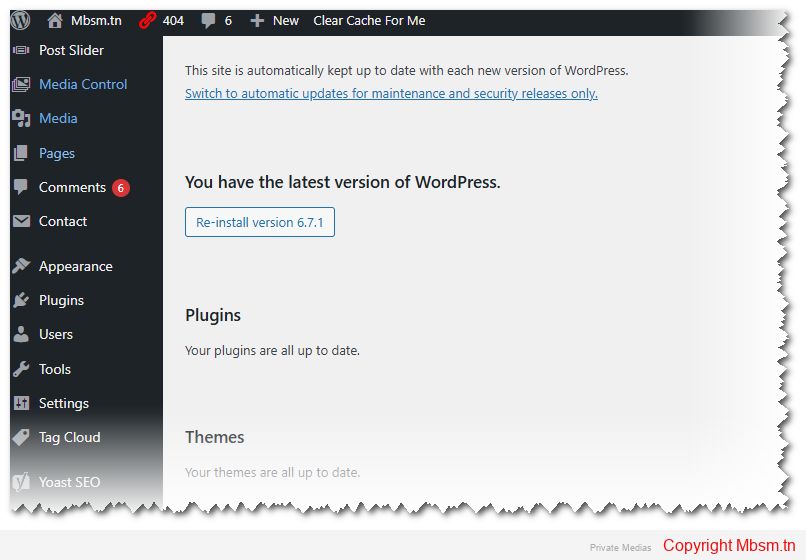
The code we’re discussing today is a WordPress plugin designed to hide all theme update-related notices in the WordPress admin dashboard. This plugin is useful for those who want to manage updates manually or prevent annoying notifications from appearing in the dashboard. The code was developed based on an idea by Mbsmgroup and programmed by Deepseek.
The code works by removing notifications and actions that display theme updates in WordPress. Here’s a detailed breakdown of how the code functions:
remove_action function is used to remove notifications that appear on the dashboard, such as update_nag.remove_action with core_upgrade_preamble.remove_action.add_filter function is used with pre_site_transient_update_themes to return null, effectively hiding theme updates from the updates list.remove_node function.The code is designed to be safe and reliable for use in WordPress environments. Here’s why:
remove_action, add_filter, and remove_node, ensuring compatibility with WordPress standards.To install and use this plugin, follow these steps:
wp-content/plugins directory, for example, hide-theme-update-notices.hide-theme-update-notices.php.hide-theme-update-notices.php file.The plugin was developed by Deepseek based on an idea by Mbsmgroup. The development process involved:
For any inquiries or support, you can contact Mbsmgroup via email at mbsmgroup@gmail.com.
The plugin is currently under development, and its official page will be available soon. For now, you can use the placeholder link: Plugin Link.
The Hide Theme Update Notices plugin is a simple yet powerful tool for WordPress administrators who want to manage theme updates manually. It is safe, reliable, and easy to install. With potential improvements, it could become even more versatile and user-friendly.
If you have any questions or need further assistance, feel free to ask! 😊
Introduction
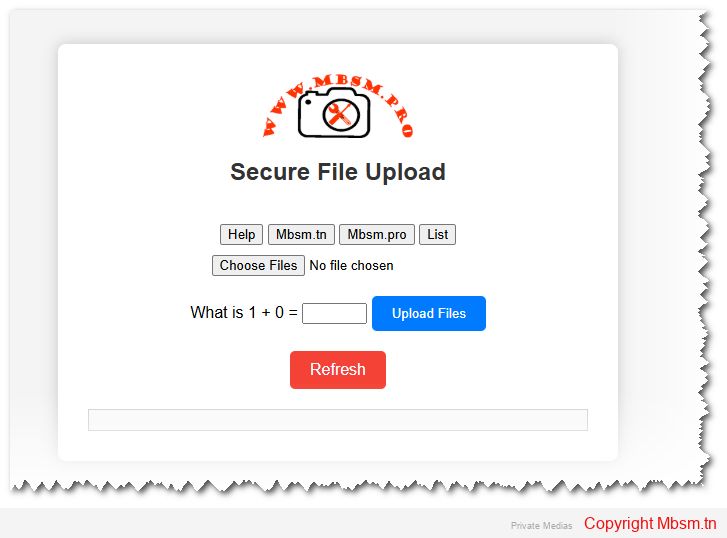
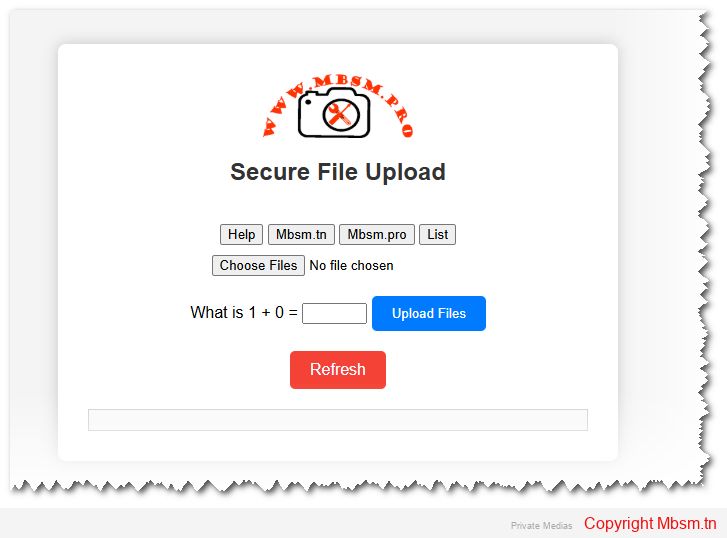
The ability to securely upload files is a critical feature for many web applications. Whether it’s a corporate portal, a CMS, or a user-driven platform, file uploads need to be handled with care to prevent security vulnerabilities, ensure reliable performance, and offer a smooth user experience. This article explores the development, safety considerations, installation process, and the importance of SEO for your secure file upload system.
Building a robust and secure file upload system involves multiple steps, including defining the system’s capabilities, file restrictions, and processing logic. Here’s an overview of how to develop an effective system:
multiple attribute in HTML forms. This enhances user experience by making it easier to upload several documents or images simultaneously..exe or .php) are not uploaded and executed, protecting the server from potential attacks.File uploads are one of the most vulnerable parts of a web application and can expose the server to malicious attacks. Here’s how the system ensures security:
By allowing only specific MIME types (JPEG, PNG, PDF, and ZIP), the system ensures that harmful file types like executable scripts or malicious files aren’t uploaded to the server. Each file’s MIME type is checked using PHP’s finfo_file() function, which offers a more reliable check than simply checking file extensions.
Uploaded file names are sanitized by replacing invalid characters with hyphens, and multiple hyphens are reduced to a single one. This prevents attackers from injecting harmful code through file names. It’s crucial to handle file names correctly to avoid security vulnerabilities like cross-site scripting (XSS).
Limiting the file size to a maximum of 10MB ensures that the server is not overloaded with large files that could consume excessive resources. Large file uploads can slow down a server and make it vulnerable to denial-of-service (DoS) attacks.
A simple math captcha is implemented to prevent automated bots from abusing the upload system. While basic, it ensures that file uploads are handled by real users and not spam bots. However, for more comprehensive protection, integrating Google reCAPTCHA is recommended.
Ensure that file uploads happen over a secure HTTPS connection. This protects the data being transmitted between the client and the server, preventing man-in-the-middle (MITM) attacks.
The installation process is straightforward, and the system can be deployed on any server with PHP support. Here’s a quick guide:
C:/xampp/htdocs/, and for MAMP, it is /Applications/MAMP/htdocs/.uploads folder in your project directory where the files will be stored. Make sure this folder has the correct write permissions (chmod 755).http://localhost/your-project-folder/.uploads directory to ensure the files are being properly uploaded and stored.In addition to secure file handling, it’s crucial to ensure that your website and its features, like file uploads, are optimized for search engines. Proper SEO practices will improve your visibility and drive traffic to your website.
description, keywords, and author to help search engines understand the content of your page. These should be tailored to your site’s purpose and reflect the key features of the file upload system.canonical tag is used to avoid duplicate content issues, ensuring that the correct version of the page is indexed by search engines.sitemap.xml file and submit it to Google Search Console to help search engines index your site faster.If you’re looking for professional assistance in developing secure file upload systems, MBSM Group offers expert development services. With years of experience in creating secure, reliable, and scalable web applications, we are committed to providing you with solutions that not only meet your needs but also ensure the highest level of safety and performance.
Contact us at mbsmgroup@gmail.com to get started with your next project. Whether you’re building a new platform or need to enhance an existing one, we’re here to help you succeed.
Developing a secure file upload system is critical for ensuring both performance and security. By implementing file validation, size restrictions, and user-friendly error messages, you can provide a smooth and safe user experience. The installation is straightforward and can be done on any server supporting PHP. Finally, optimizing your website for SEO and including a sitemap will improve your search visibility, bringing more users to your service.
For any questions or help in setting up your secure file upload system, don’t hesitate to reach out to MBSM Group at mbsmgroup@gmail.com.